Troubleshooting Cloudflare Turnstile Verification
This section helps you diagnose and resolve common issues that may occur during Cloudflare Turnstile verification. In most cases, Turnstile verifies users automatically without any action. When verification cannot be completed automatically, Turnstile may prompt the user with a simple checkbox challenge.
Key terms
Turnstile widget: The embedded Cloudflare component that verifies a user
api.js: The primary Turnstile JavaScript file that initializes the widget
challenges.cloudflare.com: The domain used by Turnstile for secondary challenge/flow requests
QUIC: A transport protocol used by modern browsers; relevant when you see QUIC_NETWORK_IDLE_TIMEOUT errors
Incognito/Private window: A browser session with extensions disabled by default (unless explicitly allowed)
Prerequisites
Before troubleshooting, ensure:
JavaScript is enabled in the user’s browser.
The user can temporarily disable browser extensions or test in an Incognito/Private window.
The user (or their IT team) can allowlist network destinations when required (see actions below).
Limitations
If a corporate firewall/VPN blocks Cloudflare challenge traffic, only the user’s IT team can permanently resolve it.
Some issues are transient (Example: Brief Turnstile retries). Agents should avoid asking users to refresh immediately; allow a few seconds for Turnstile to selfheal first.
What Success Looks Like
Automatic (Most common): The widget verifies the user automatically. It shows “Verifying…” briefly, then “Success!”. No action needed.
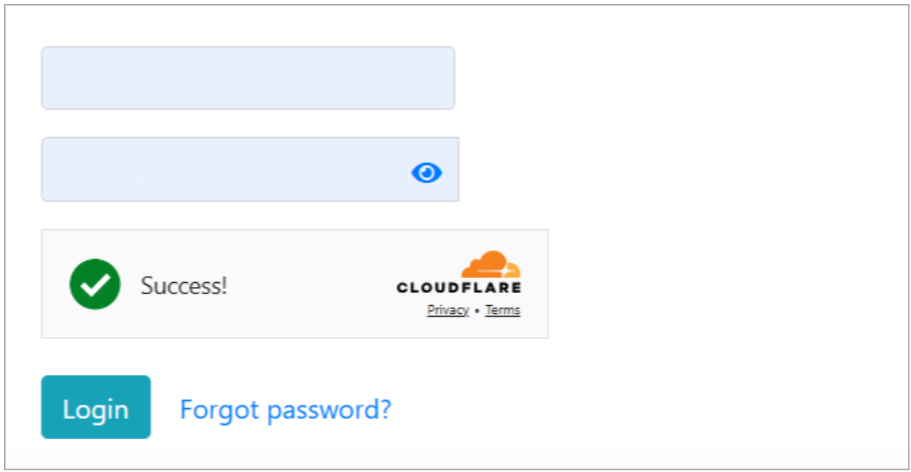
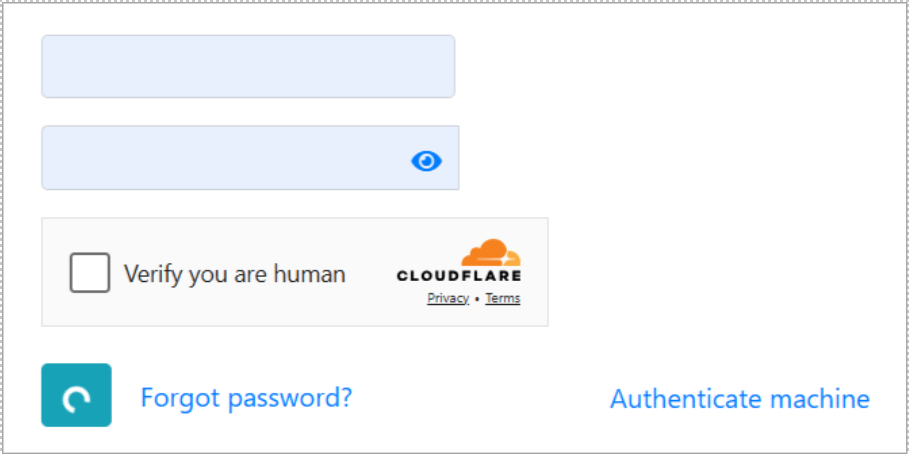
Manual: If not verified automatically:
The user sees a Verify you are human checkbox. They must click it to proceed.
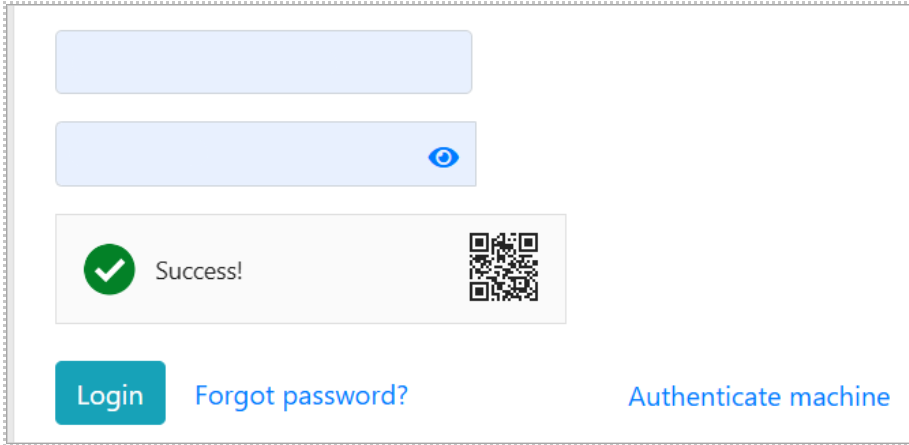
After manual verification, the widget displays “Success!” and shows the Cloudflare logo or a QR code inside the widget.
Failure A: Widget loads but shows error
Symptom: The widget area renders but shows Error
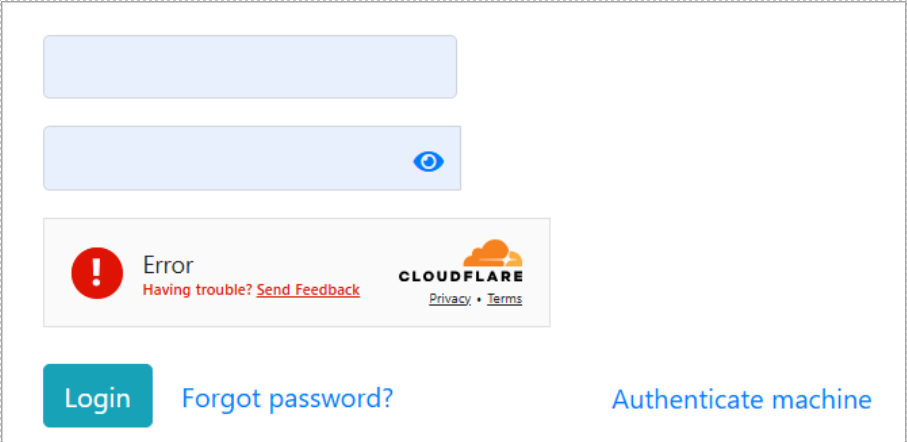
Expected behavior: It often self resolves within a few seconds. Do not refresh immediately. You may briefly see a retry screen.
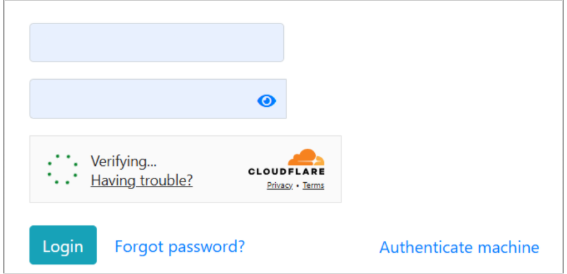
If it does not resolve and no manual checkbox appears, use the table below:
Likely cause | Why it happens | Resolution |
|---|---|---|
Browser extensions (most likely) | An extension lets the first script load but blocks secondary challenge requests | Ask the user to log in via Incognito/Private window. If it works there, disable all extensions in the normal window and retry. |
Network/Firewall block | Firewall allows api.js (or it is cached) but blocks secondary challenge/flow traffic | Ask the user to have IT allowlist challenges.cloudflare.com for all protocols (TCP and UDP). Then retry. |
Corrupted browser cache | A broken cached script prevents proper initialization | Instruct the user to hard refresh (Ctrl+Shift+R). If still failing, clear cache and retry. |
Agent checklist
Wait a few seconds for auto recovery. Avoid immediate refresh.
Test in Incognito/Private window.
If Incognito works, disable extensions and retry.
If still failing, involve IT to allowlist challenges.cloudflare.com (TCP/UDP).
As a last step, hard refresh → clear cache.
Failure B: Widget does not load
Symptom: The widget area is blank or reserved space only.
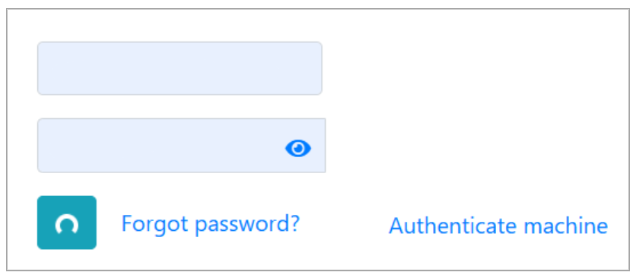
How to diagnose
Press F12 to open Developer Tools.
Check Console for errors like: net::ERR_QUIC_PROTOCOL_ERROR.QUIC_NETWORK_IDLE_TIMEOUT, net::ERR_CONNECTION_TIMED_OUT, net::ERR_CONNECTION_RESET, net::ERR_NAME_NOT_RESOLVED.

Check Network tab for api.js request failures.
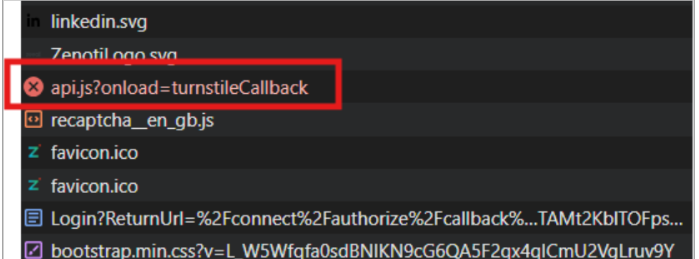
Causes and fixes
Likely causes | Why it happens | Resolution |
|---|---|---|
Corporate Firewall / VPN block (most likely) | Network security tools block Turnstile subrequests, common with QUIC timeouts | Ask IT to allowlist the entire challenges.cloudflare.com domain so all subrequests are permitted. |
Browser extensions | Ad/script/privacy blockers prevent the widget from loading | Test in Incognito/Private window |