Integrate lead management with Zapier
Zenoti Lead Management integrates with Zapier to help you capture leads from external sources and create them directly in Zenoti. This integration is designed for fast setup and simple automation. It supports a single action: Create Lead. Once the lead is created, Zenoti Workflows can handle follow-ups like tasks, notes, and communication.
A typical Zap follows this structure:
Trigger (lead source app) → Formatter (Utilities) → Zenoti: Create Lead
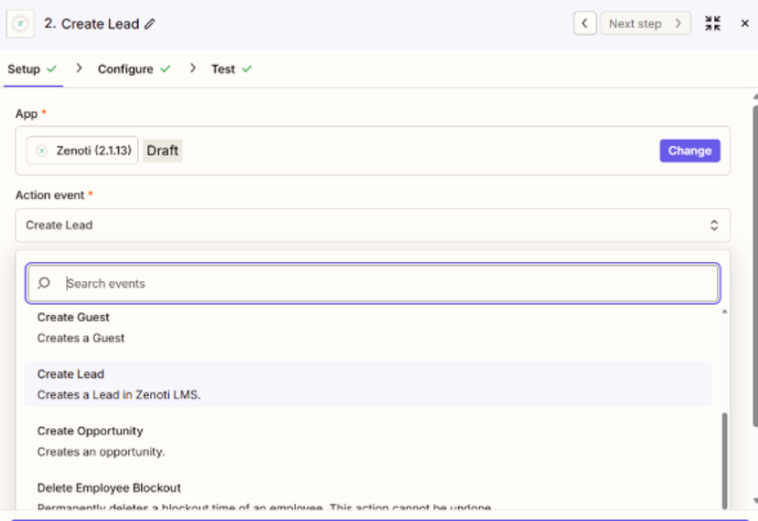
After the lead is created in Zenoti, your team can continue the process inside Lead Management. You can use Zapier to ingest leads from many common sources, including:
Meta Lead Forms
Google Ads Lead Forms
Typeform and Jotform
Webflow and Wix forms
Yelp leads
Calendly
Webhooks by Zapier
To create a lead in Zenoti, Zapier must send the following:
Email address or Phone number (at least one is required)
Center ID (recommended for correct routing)
If the lead is created using a phone number, a country value is also recommended. If Zenoti rejects a lead, the Zap run is marked as failed. Common failure reasons include:
Both email and phone are missing
The phone number format is invalid
Required center details are missing
A temporary API error occurred
Failures can be reviewed in Zapier under Task History, and re-run after fixing the mappings.