Set Up Aveda Plus Rewards for New Members
This article explains how to enroll a guest who is not yet a member of Aveda Plus Rewards, directly from Zenoti point of sale (POS).
Overview
Front desk teams can enroll guests into Aveda Plus Rewards during checkout so they can begin earning points on eligible Aveda product purchases immediately.
Prerequisites
Aveda Plus Rewards integration is enabled at the organization and center levels.
Staff has access to POS and is authorized to collect member details.
Limitations
A guest must accept terms and conditions to complete enrollment.
Accurate contact and address details are required to avoid enrollment failures.
Setting up Aveda Plus Rewards for new members
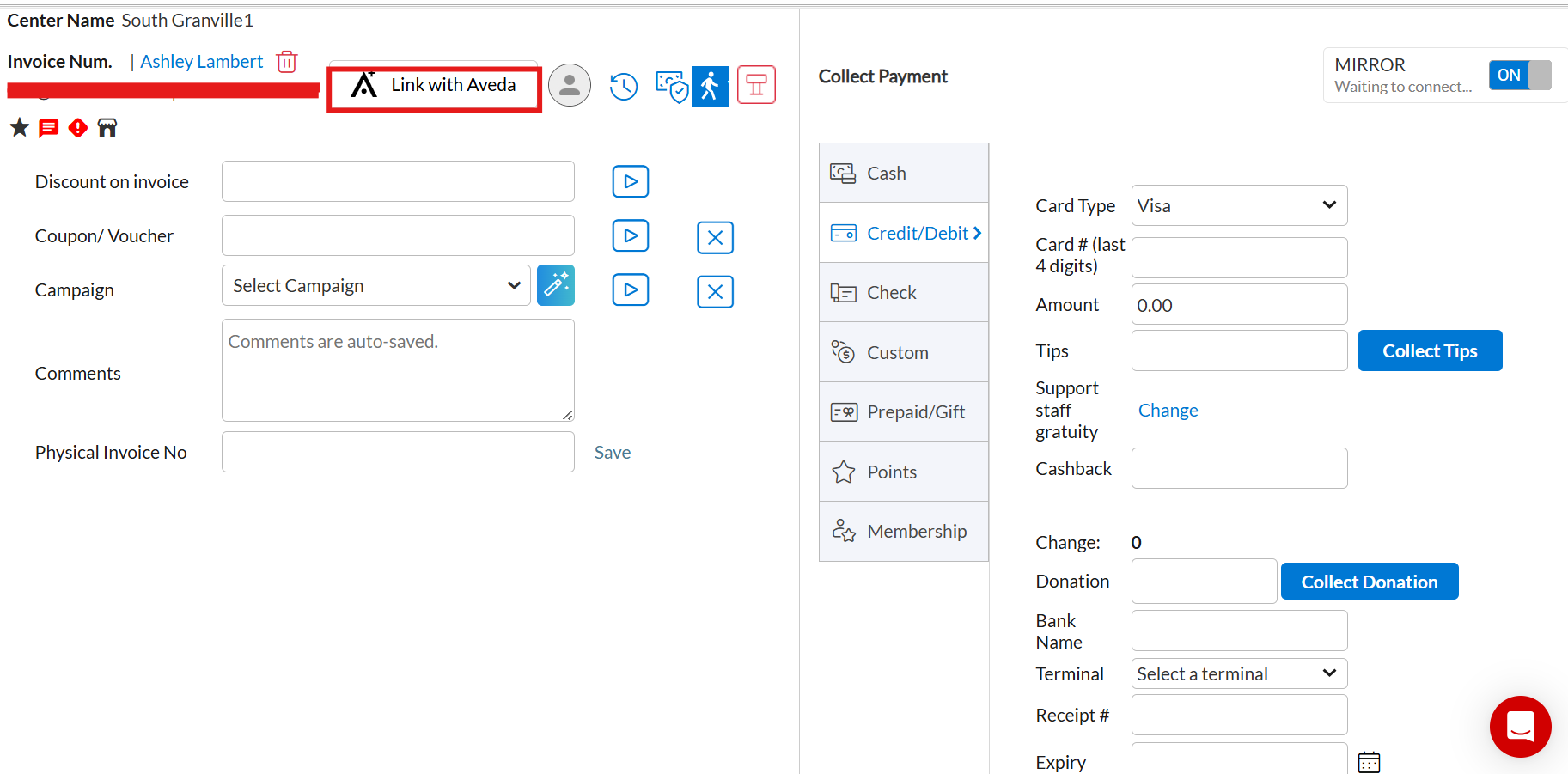
On the POS screen, click Link with Aveda.
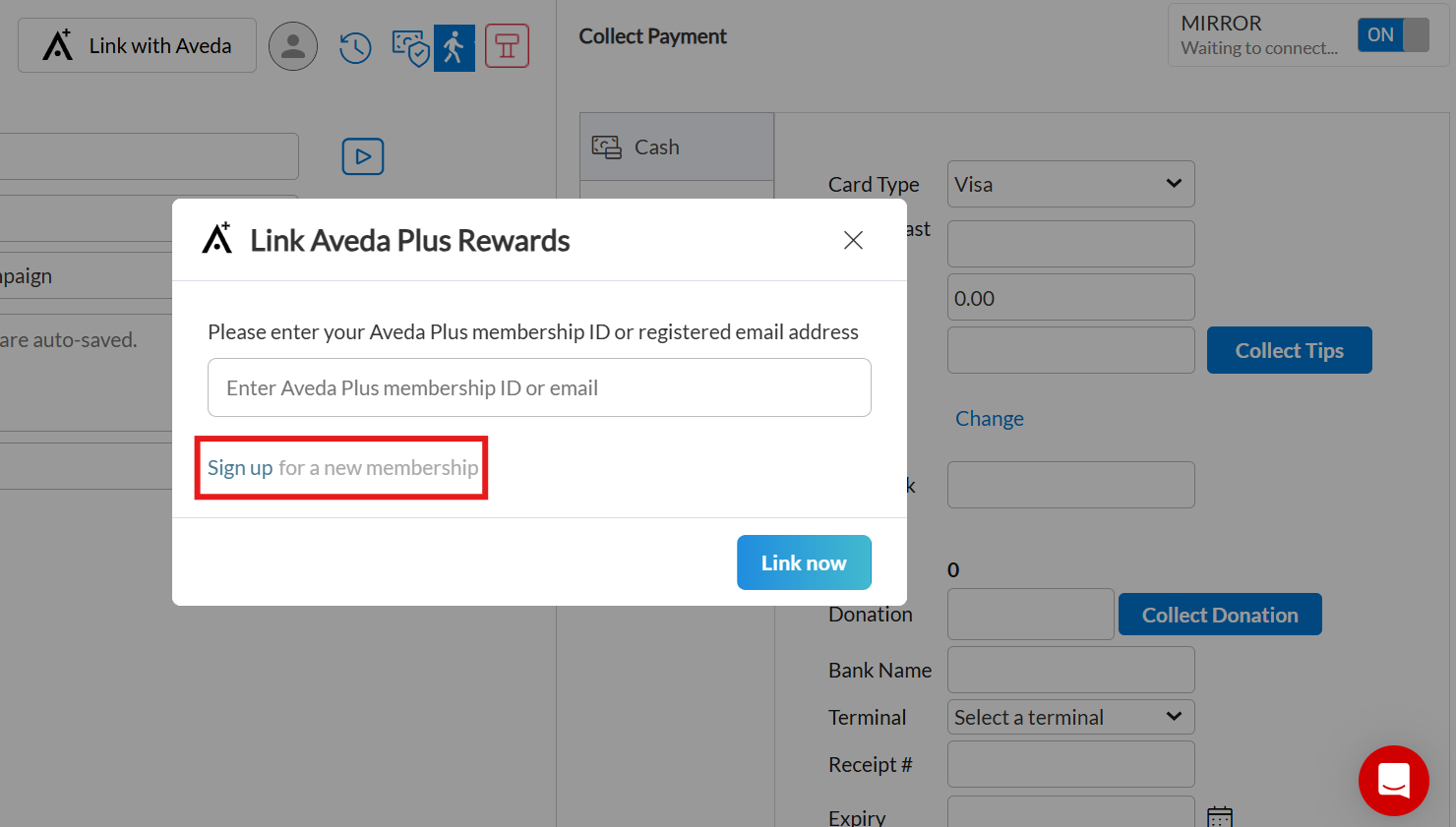
In the pop-up, click Sign up for a new membership.
Complete Guest Details: First name, Last name, Phone, Email, Date of Birth (optional).
Complete Address Details: Street, Apt/Suite (optional), Additional info (optional), City, State, Postal code, Country code.
Select Preferred Language.
Choose Communication Preferences.
Select the I accept the terms and conditions checkbox.
Click Sign up. The new membership is linked to the guest profile instantly
The new membership is linked to the guest profile instantly.